The app page shows a smiling child, a glowing screen, and a promise that artificial intelligence will make routines, communication, or emotions easier. The download button takes one second. Figuring out what the tool collects, who it was built for, and whether it solves a real problem takes much longer.
I have been looking at AI tools through a simple question: what job would this do for a family that we cannot already do more safely with paper, a regular timer, an established AAC system, or help from a qualified professional? In 2026, the tools worth trying are narrow. They help an adult prepare something useful, then get out of the way.
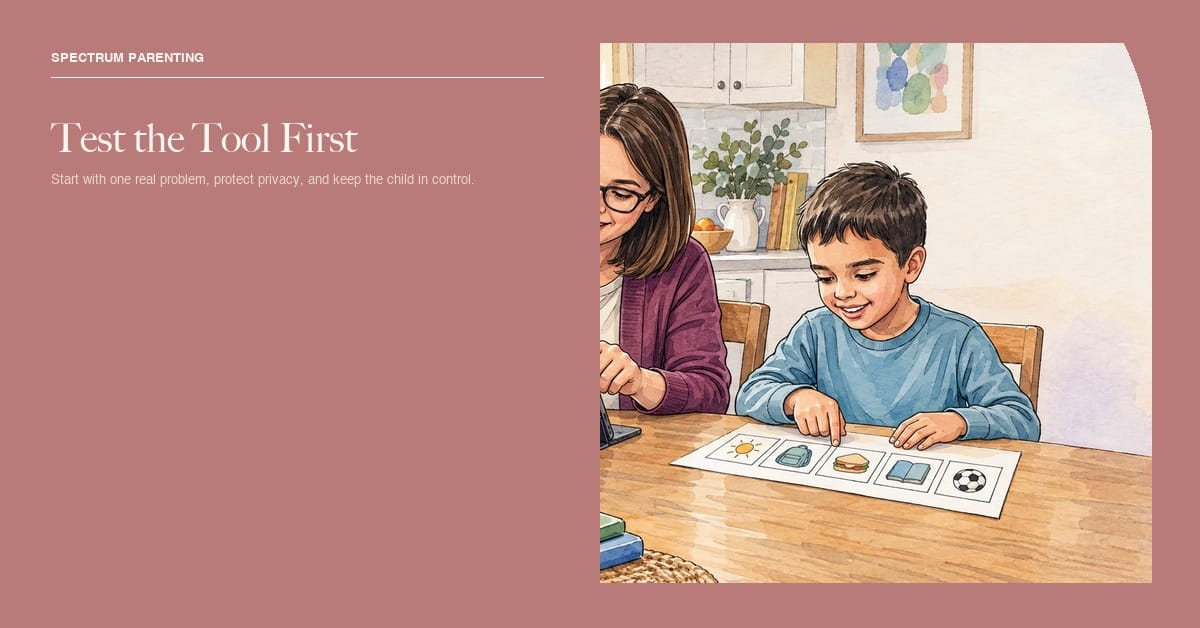
I would not hand an eight-year-old an open-ended AI companion and call it autism support. I would consider a parent-operated tool that turns a real routine into a first draft of a visual schedule, breaks one overwhelming task into smaller steps, rewrites a school email more clearly, or creates several wording options for a communication support. The adult reviews every output. The child keeps a choice about whether to use it.
Start with one problem
“Help with autism” is too broad to evaluate. “Make a five-step picture checklist for packing a backpack” is specific. So is “turn this long school notice into three plain-language points” or “give me four ways to ask whether the cafeteria was too loud.” A narrow job gives you a way to test whether the output is accurate and useful.
- What exact task is hard right now?
- Who will operate the tool: the parent, child, teacher, or therapist?
- What information must be entered?
- What would a useful result look like after one week?
- Can the same result be reached with a simpler tool?
Do not upload an IEP, diagnostic report, full name, school schedule, voice recording, photo, location, or behavior log just to see what an app can do. Test with invented sample details first. If the sample output is poor, the tool has not earned access to real family information.
AI uses that may earn a short trial
A parent-side first draft
An adult can use a general writing assistant to draft a visual routine, a list of questions for an appointment, or a plain-language summary of notes the adult has already removed identifying details from. Treat the answer like a rough napkin draft. Check every step against the real child and the real setting.
A generic model does not know that a child puts on shoes before a coat, needs a bathroom picture between breakfast and the bus, or cannot tolerate the sound of the blender. Those details are where usefulness lives. Add them yourself without adding names, addresses, or records.
Task breakdown with a visible finish
A tool that turns “clean your room” into a short sequence may help when the adult can edit the order, remove unnecessary steps, add pictures, and print or save the result. The child should be able to see where the task ends. If the generated list creates twelve steps where four would work, delete eight.
Communication preparation for adults
AI can offer several concrete ways to ask a question, explain a schedule change, or prepare a low-pressure conversation. It should not speak for the child or decide what the child feels. A generated social narrative also needs review for accuracy, dignity, and choice. Remove any sentence that demands eye contact, still hands, affection, or a “calm” appearance for adult comfort.
Prediction inside an established AAC plan
Some communication systems use word prediction or other automated features to reduce effort. That can be useful when selected with the person who communicates and, when needed, a speech-language pathologist. The American Speech-Language-Hearing Association’s AAC guidance describes AAC as a broad clinical area that includes low-tech and high-tech methods. A new AI feature should not replace a reliable communication system or remove words because software thinks they are unlikely.

Four questions before downloading
1. What does it collect?
Read the privacy policy before the app receives a child’s photo, voice, location, contacts, school information, health details, or typed conversations. Look for a plain list of data collected, whether it is used to train models, whether it is shared with third parties, how long it is kept, and how a parent can delete it.
The Federal Trade Commission’s 2025 COPPA update strengthened protections involving children’s personal information, including data minimization, retention limits, and parental control over deletion for covered services. “COPPA compliant” on a marketing page is not enough information. Parents still need to know what this particular service does with data.
2. Who controls the output?
Choose tools that let a parent or child edit, reject, export, and delete the result. Avoid systems that assign emotions from a face, claim to measure engagement from eye contact, or score how “normal” a child’s behavior looks. A confident-looking prediction can still be wrong.
3. Can we leave?
Check whether useful schedules, pictures, or communication pages can be printed or exported. Ask what happens if the subscription ends. A child should not lose a working routine or communication vocabulary because a company changes price, closes an account, or removes a feature.
4. Does it help in real life?
Pick one small measure. Did the morning checklist require fewer adult reminders? Did the child use the generated choice board? Did preparing questions make the appointment clearer? Stop if the tool adds work, increases conflict, gives unsafe advice, or makes the child feel watched.
Tools I would keep away from a child
I would not use an AI chatbot as a child’s therapist, best friend, crisis counselor, diagnostician, or secret-keeper. In 2025, the FTC opened an inquiry into AI companion chatbots, including how companies assess possible negative effects on children and teens. A bot that sounds caring can encourage trust without having judgment, responsibility, or a real relationship with the child.
- Apps that claim to diagnose autism from a photo, voice clip, game, or short questionnaire
- Emotion-recognition tools that treat facial expression as a reliable report of inner feeling
- Behavior tools designed mainly to suppress stimming, force eye contact, or reward masking
- Companion bots that ask a child to confide privately or discourage adult involvement
- Tools that hide data use, deletion steps, company identity, or subscription terms
- Any system giving medical, medication, feeding, or crisis instructions without qualified human review
Run a seven-day test
- Use invented information to test the tool.
- Choose one narrow task and one measure of usefulness.
- Review every output before the child sees it.
- Offer a paper or familiar alternative.
- Ask the child, in their communication mode, whether the tool helps.
- Delete test data and confirm the deletion process works.
- At the end of the week, keep it, change it, or remove it.
The app should be the thing on trial. The child is not. If a tool only works when a child gives up privacy, communication control, safe stimming, or the right to say no, it has failed the test.
The AI uses I find worth trying are modest: help an adult make a first draft, reduce a repetitive planning task, or present information in another format. Keep the real decisions with people who know the child, and keep the child’s voice in the room.
Ask the same questions at school
A school-provided app can still collect sensitive information. Ask the teacher or district which company operates it, what student data is entered, whether voice or images are recorded, whether data trains an AI model, which staff can see the output, and when the account is deleted. Request the parent notice and privacy policy instead of relying on “the district approved it.”
Find out whether the tool is required for access to instruction or offered as an option. A child who communicates through established AAC should not lose access to that system because a new AI tool is being piloted. A student also needs a non-AI way to complete the task if the system produces confusing output, misreads speech, or cannot handle the child’s communication method.
Ask how errors are corrected in the educational record. If software generates a behavior summary, reading level, emotion label, or suggested goal, a qualified person should review it before it affects services or expectations. Keep a copy of important human-authored records. A vendor dashboard should not become the only place where a child’s progress is documented.
A Few of Our Go-To Favorites
Shop the Full StorefrontNothing in our storefront is specific to this guide, so here’s one real favorite from each of our categories instead.

Trekassy 40" Saucer Tree Swing (Sensory Toys)
Our most-used backyard sensory swing, hands down.
$39.99

Skoolzy Peg Board Set (Sensory Learning Toys)
Great for fine motor practice, no screen required.
$16.99


MaryRuth’s Kids Ionic Zinc Drops (Suppliments)
Part of our everyday immune-support routine.
$18.95

Boon Travel Drying Rack (Travel Essential)
Small enough to actually pack, useful every trip.
$12.70
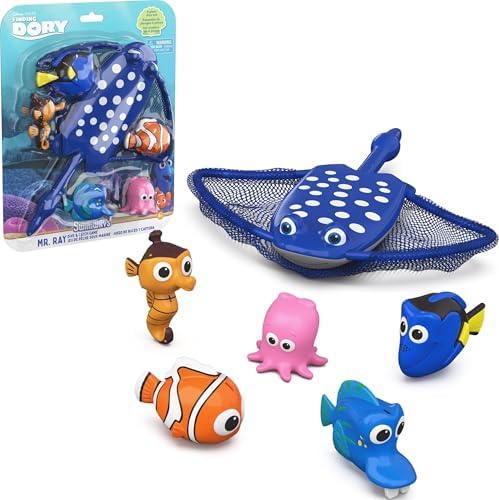
SwimWays Dive and Catch Game (ASD Swimming Gear)
Builds pool confidence without feeling like a lesson.
$19.43
If you’ve already been down this road and found something I didn’t mention here, I’d genuinely like to hear it. You can always reach me through the contact page.
Caren